

What are SQL Server Functions?
TABLE OF CONTENTS
Share on Social Media
Related Blogs

15 SEO Strategies To Double Your E-commerce Sales
Read More: 15 SEO Strategies To Double Your E-commerce Sales
BLoC Flutter State Management Explained:A Step-by-Step Guide
Read More: BLoC Flutter State Management Explained:A Step-by-Step Guide
What is Docker? How to Deploy and Install Redis in Docker
Read More: What is Docker? How to Deploy and Install Redis in Docker
Modernizing with New Identity of Triveni Global Software Solution LLP
Read More: Modernizing with New Identity of Triveni Global Software Solution LLP
In this blog, we will see some of the newer and lesser known T-SQL functions. They are very easy to use, and can also help us simplify our SQL queries.
1. String_AGG
This function solves a very interesting and old problem easily: How can we concatenate the contents of a column from several records in a single string value?
For example, employees have several skills and we would like to print a report with all these skills comma separated.
This was difficult to do up to now, though it was possible to achieve this with some XML tricks.
Let’s try an example. This script below creates a table and insert some records.
create table Skills (EmpId int, [skill] varchar(50) )
insert into Skills values (1, '.NET'),(1, 'SQL'),(1, 'WebAPI'),(1, 'PHP')
This query below, uses some tricks with XML to concatenate the names in a single comma-separated string:
select stuff((select ',' + [skill] as [text()]
from skills for xml path('')),1,1,'')
The new STRING_AGG function gives us the same result:
select string_agg([skill],',') from skills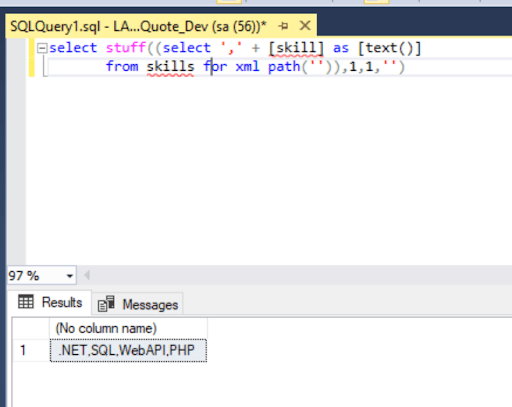
As we can see, the query seems quite easy and readable and we are getting the same result.
Also, because this is an inbuilt SQL function, we will get performance advantages as well.
2. Trim
This new function was very long-awaited and is very useful.
If we need to remove an empty spaces from the string, it always needed the use of two functions as shown below.
SELECT RTRIM(LTRIM('My String'))This new function TRIM simplifies it and makes it much clearer.
SELECT TRIM('My String')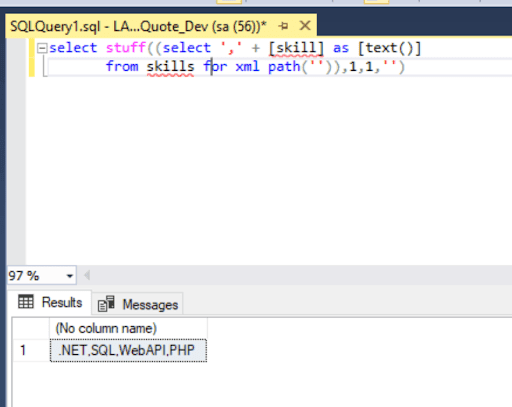
3. Concat_WS
This function is similar to the Concat function, the ‘WS’ here means ‘With Separator’, meaning this new function is able to add a separator between each string value it concatenates.
The NULL value behavior with both functions is the same: NULL values are ignored, not even adding the separator.
This is very useful to simplify the queries when we need to concatenate fields that aren’t always filled, such as address fields that sometimes have null values.
See the example below.
SELECT CONCAT_WS(',','401', 'Marvella Business Hub', NULL, 'Surat', NULL, 'Gujarat', 395009) AS [Address];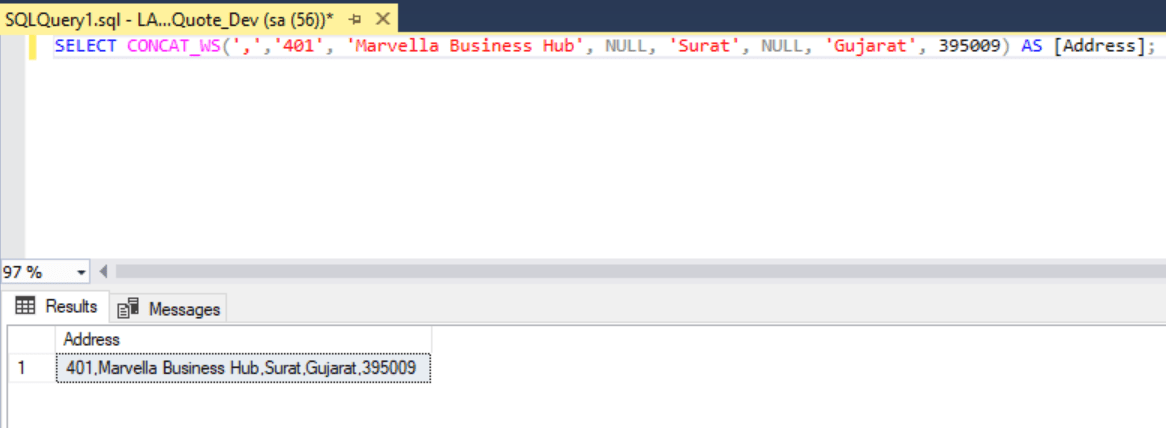
This function can be useful to produce reports, concatenating some fields.
However it’s not useful sometimes for exporting data, because when we export data we need some kind of separator, such as a semi-colon (“;”) even when a field is NULL, but this function doesn’t add the separator when a field is NULL.
4. Translate
Translate does the work of several replace functions, simplifying some queries.
The function is called ‘Translate’ because it’s main objective is to transform one kind of information in another by doing a bunch of replaces.
For example: GeoJson and WKT are two different formats for coordinates. In GeoJson a coordinate is represented using the format ‘[137.4, 72.3]’ while in WKT a point is represented using the format ‘(137.4 72.3)’.
We would need several Replaces to transform GeoJson format in WKT format and the reverse. The ‘Translate’ function can do this easily.
Using ‘Replace’ function the transformation would be like this:
SELECT replace(replace(replace('[137.4, 72.3]', '[', '('), ',', ' '), ']', ')')Using the ‘Translate’ function the transformations becomes way simpler:
SELECT TRANSLATE('[137.4, 72.3]' , '[,]', '( )')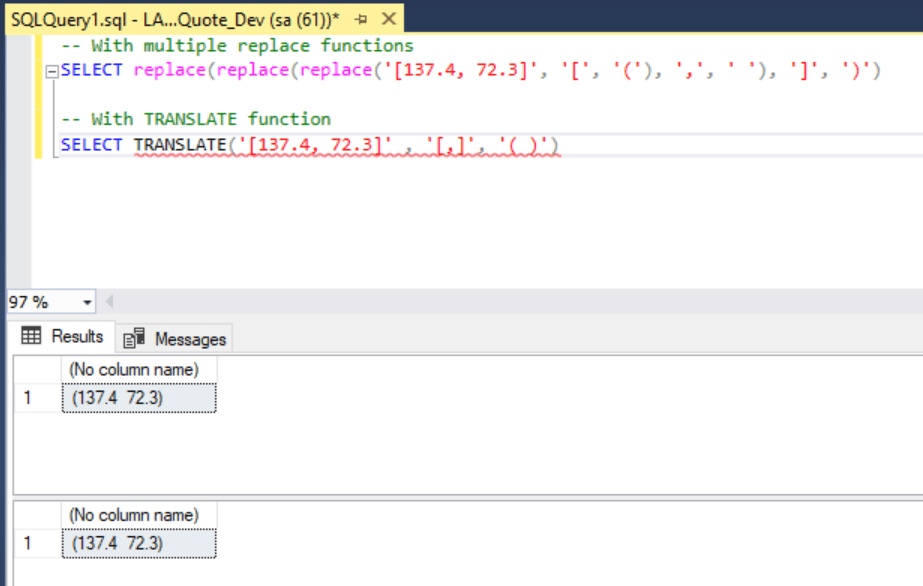
Instead of several ‘Replaces’, the ‘Translate’ syntax allows us to specify all the characters in the source string we would like to replace.
5. Choose
The CHOOSE function, will return the item at the specified index from the list of values which are available.In this example we have 3 values and we are asking to select the third value in the list which is “.NET”.
SELECT 'New SQL Server Release' = CHOOSE(3, 'PHP', 'SQL','.NET')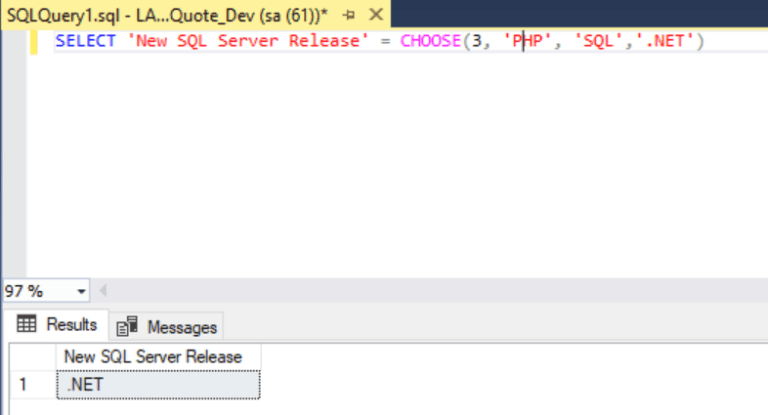
6. IIF
The IIF function returns one of the two values depending upon whether the Boolean expression evaluates to either True or False.
DECLARE @FirstArgument INT = 10
DECLARE @SecondArgument INT = 20
SELECT IIF ( @FirstArgument > @SecondArgument , 'TRUE', 'FALSE' )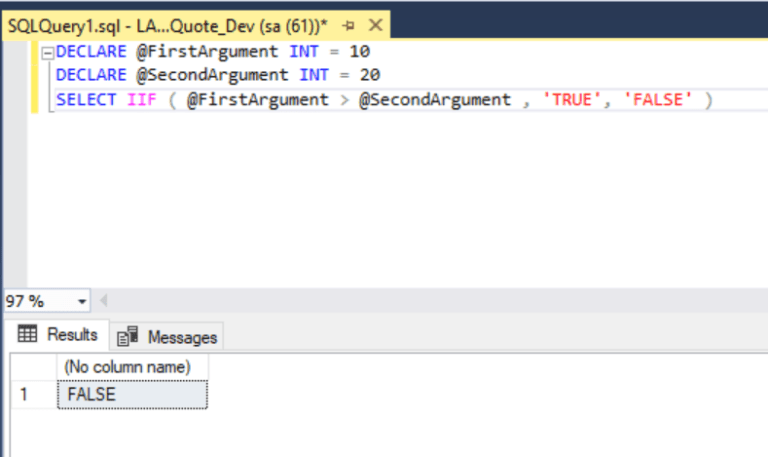
IIF VS CASE
Case is also very good logical function and can be used like below.
DECLARE @FirstArgument INT = 10
DECLARE @SecondArgument INT = 20
SELECT CASE
    WHEN (@FirstArgument > @SecondArgument) THEN 'TRUE'
    ELSE 'FALSE'
END
For most cases, IIF code looks much cleaner.
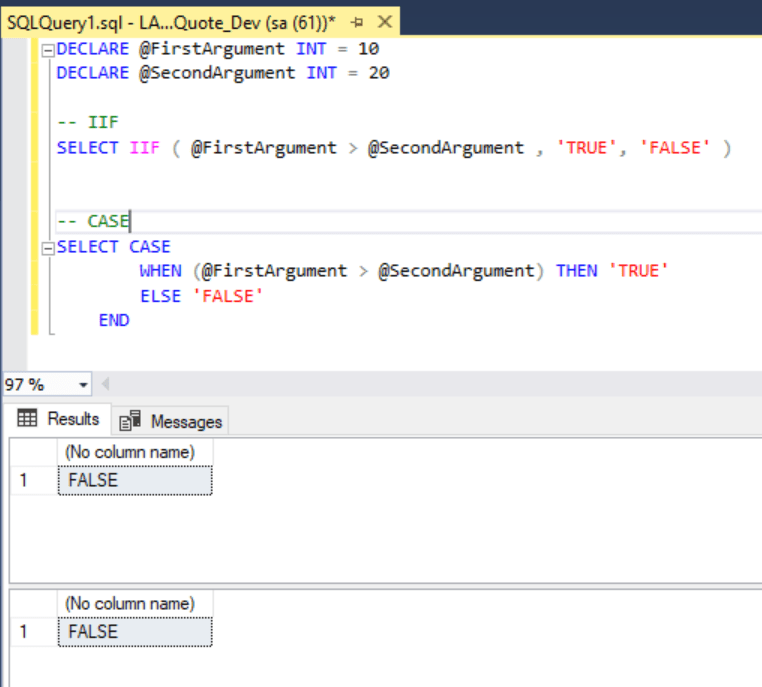
Similarly we can also use CHOOSE to replace CASE WHEN.
Summary
SummaryAs we have seen, all of these functions can help us to write our queries easily and in a much clearer way.
Most of these also improve performance compared to the old methods we were using.
String_AGG, Trim, Concat_WS and Translate functions are introduced in SQL Server 2017.
CHOOSE and IIF are introduced in SQL Server 2012.
Share on Social Media
Related Blogs

13 Essential Backup Guidelines and Data Loss Prevention Techniques for Maximum Safety
Read More: 13 Essential Backup Guidelines and Data Loss Prevention Techniques for Maximum SafetyWhat is Docker? How to Deploy and Install Redis in Docker
Read More: What is Docker? How to Deploy and Install Redis in Docker
Sentry Logging: Improving Application Reliability and Performance
Read More: Sentry Logging: Improving Application Reliability and Performance
MongoDB Replica Set – Ensuring Reliability & High Availability for Your Data Storage
Read More: MongoDB Replica Set – Ensuring Reliability & High Availability for Your Data StorageStay ahead of the curve
Get the latest insights, tutorials, and industry news delivered straight to your
inbox. Join 10,000+ developers and tech leaders.