
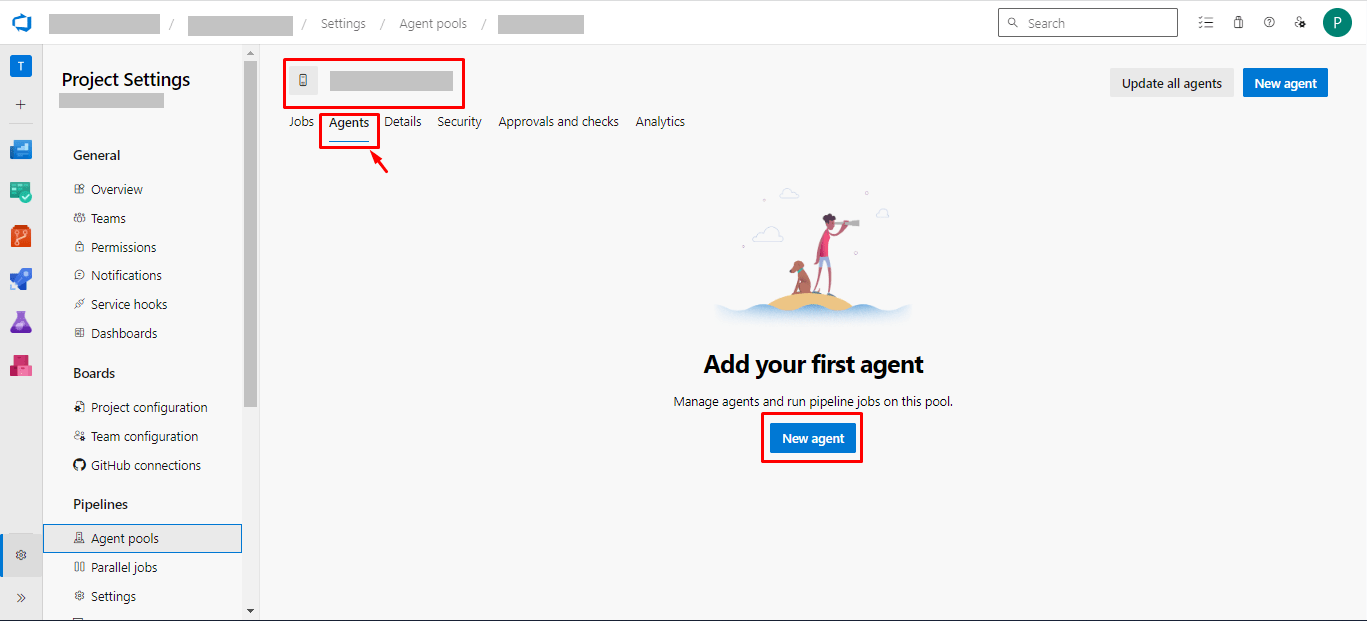
This image illustrates Step 3 of adding a new agent in Azure DevOps. After creating an agent pool, users are instructed to go to the “Agents” tab of the selected pool. The interface displays a prompt to add the first agent using the “New agent” button. Navigation elements, tabs, and the relevant buttons are clearly marked for guidance.