
BLoC Flutter State Management Explained:A Step-by-Step Guide
TABLE OF CONTENTS
- What is BLoC State Management In Flutter?
- How Does BLoC Work?
- Step-by-Step Guide to Implementing the BLoC Pattern in Flutter
- Conclusion
- Frequently Asked Questions (FAQs)
- Is BLoC The Best State Management For Flutter?
- What Is Cross-Platform App Development?
- Is Flutter Good For Mobile App Development?
- What Is BLoC State Management In Flutter With An Example?
- What Are Mobile Application Development Services?
- Stay ahead of the curve
Share on Social Media
Related Blogs
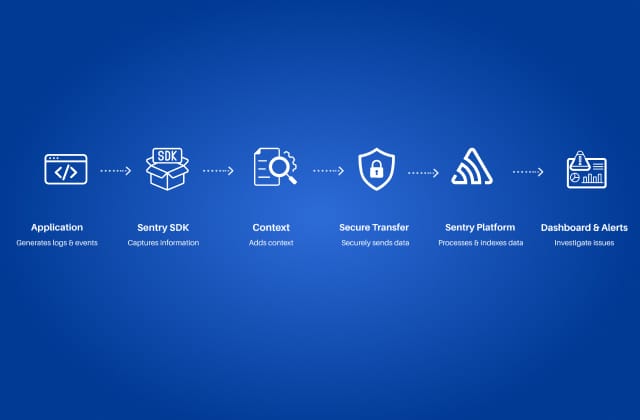
Sentry Logging: Improving Application Reliability and Performance
Read More: Sentry Logging: Improving Application Reliability and Performance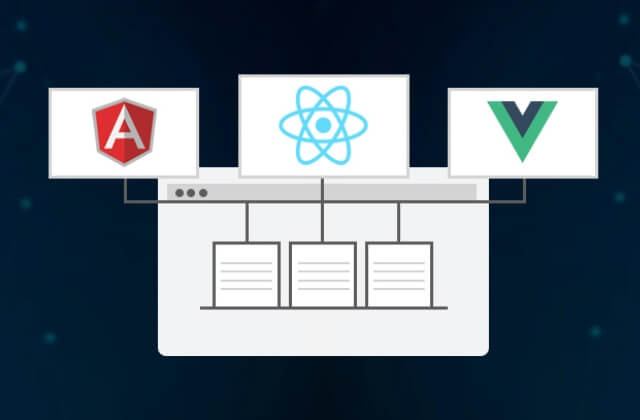
Micro Frontends Best Practices: Do’s and Don’ts You Need to Know
Read More: Micro Frontends Best Practices: Do’s and Don’ts You Need to Know
Understanding React Portals (createPortal) -Use Cases, Advantages, and Limitations
Read More: Understanding React Portals (createPortal) -Use Cases, Advantages, and Limitations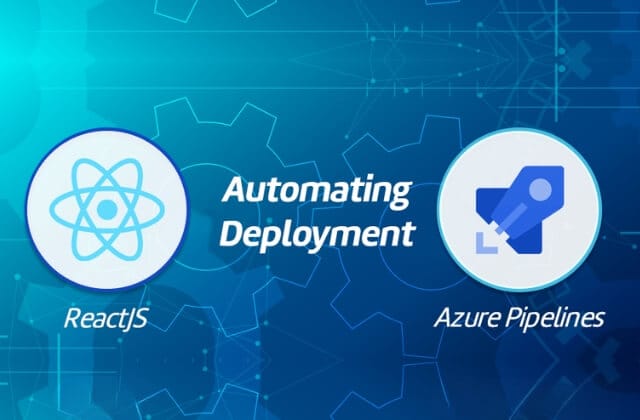
Accelerate ReactJS Deployment: A Quick Guide to Azure DevOps Pipeline
Read More: Accelerate ReactJS Deployment: A Quick Guide to Azure DevOps Pipeline
Flutter has revolutionized mobile application development with its robust framework and expressive UI components. However, managing the state in complex applications can be daunting. This is where the BLoC Flutter State Management comes into play, providing a structured way to manage state and business logic in Flutter mobile applications. In this blog, we’ll explore what is BLoC state management in Flutter, how it works, and how to implement it in your Flutter projects.
What is BLoC State Management In Flutter?
The BLoC ( Business Logic Components) pattern is a design pattern created by Google to help separate the presentation layer from the business logic layer in Flutter mobile applications. It encourages a reactive programming approach, allowing developers to manage the state effectively and maintain cleaner code. BLoC pattern in Flutter uses streams and sinks to handle events and emit states, making it an excellent choice for complex applications that require a clear separation of concerns.
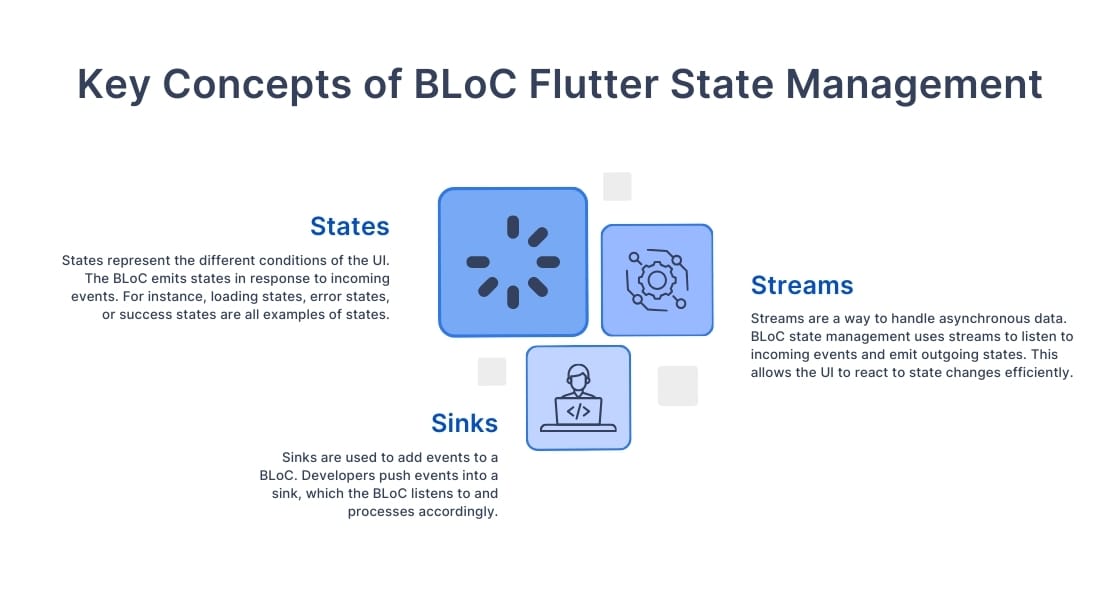
Events represent user actions or external changes in the application. They are input data, which are sent to the BLoC that triggers a state change. For example, a button press can be an event.
States
States represent the different conditions of the UI. The BLoC emits states in response to incoming events. For instance, loading states, error states, or success states are all examples of states.
Streams
Streams are a way to handle asynchronous data. In BLoC Flutter State Management, streams are used to listen to incoming events and emit outgoing states. This allows the UI to react to state changes efficiently.
Sinks
Sinks are used to add events to a BLoC. Developers push events into a sink, which the BLoC listens to and processes accordingly.
Build Better Flutter Apps – Faster And Smarter With Us.
Book a free consultationRead More: Enhancing AI Capabilities with RAG in Node.js: Step-by-Step Tutorial
How Does BLoC Work?
The BLoC state management flutter follows a simple flow:
- User Interaction: The user interacts with the UI, triggering an event (e.g., a button press).
- Event Emission: The event is sent to the BLoC through a sink.
- State Processing: The BLoC processes the event, applies business logic, and may fetch data or perform calculations.
- State Emission: After processing, the BLoC emits a new state through a stream.
- UI Update: The UI listens to the stream and updates it accordingly based on the emitted state.
Step-by-Step Guide to Implementing the BLoC Pattern in Flutter
Let’s walk through a simple BLoC state management flutter example for implementation.
Step 1: Adding Dependencies
First, add the flutter_bloc package to your pubspec.yaml:
dependencies:
 flutter:
   sdk: flutter
 flutter_bloc: ^8.0.0
Step 2: Defining Events and States
Create a file named counter_event.dart for events:
abstract class CounterEvent {}
class IncrementCounter extends CounterEvent {}
class DecrementCounter extends CounterEvent {}
Step 3: Creating the BLoC
Create a file named counter_bloc.dart:
import 'package:flutter_bloc/flutter_bloc.dart';
import 'counter_event.dart';
import 'counter_state.dart';
class CounterBloc extends Bloc<CounterEvent, CounterState> {
 CounterBloc() : super(CounterState(0));
 @override
 Stream mapEventToState(CounterEvent event) async* {
   if (event is IncrementCounter) {
     yield CounterState(state.count + 1);
   } else if (event is DecrementCounter) {
     yield CounterState(state.count - 1);
   }
 }
}
Step 4: Building the UI
Now, let’s build a simple UI to interact with our BLoC. In your main.dart:
class CounterPage extends StatelessWidget {
 @override
 Widget build(BuildContext context) {
   return Scaffold(
     appBar: AppBar(title: Text('BLoC Counter')),
     body: Center(
       child: BlocBuilder<CounterBloc, CounterState>(
         builder: (context, state) {
           return Text(
             'Counter Value: ${state.count}',
             style: TextStyle(fontSize: 24),
           );
         },
       ),
     ),
     floatingActionButton: Row(
       mainAxisAlignment: MainAxisAlignment.center,
       children: [
         FloatingActionButton(
           onPressed: () {
             context.read().add(IncrementCounter());
           },
           child: Icon(Icons.add),
         ),


         SizedBox(width: 20),
         FloatingActionButton(
           onPressed: () {
             context.read().add(DecrementCounter());
           },
           child: Icon(Icons.remove),
         ),
       ],
     ),
   );
 }
}
Conclusion
The BLoC pattern provides a powerful way to manage state and business logic in Flutter applications. By separating concerns and utilizing streams, this Flutter app architecture enhances code scalability. Whether you’re building a small app or a large-scale solution, implementing BLoC can significantly improve your development workflow.
By following the steps outlined in this blog, you can confidently apply the BLoC pattern in your Flutter projects and harness the full potential of Flutter mobile app development. Happy coding!
Triveni Global Software Services LLP– As a Flutter mobile app development company, adopting BLoC not only streamlines state management but also aligns with best practices in cross-platform app development. This approach enhances the quality of our mobile app development services, ensuring your apps are built for scalability, maintainability, and performance.
Frequently Asked Questions (FAQs)
BLoC is one of the most popular state management solutions for Flutter, particularly for complex applications. It provides a clear separation of concerns by using streams and reactive programming principles. While other options like Provider or Riverpod exist, BLoC is ideal for larger mobile applications requiring scalability, maintainability, and a well-structured codebas
Cross-platform app development refers to the practice of creating mobile applications that can run on multiple platforms, such as Android and iOS, using a single codebase. This approach saves time, reduces development costs, and provides a consistent user experience across different devices. Frameworks like Flutter, React Native, and .Net MAUI are commonly used for cross-platform development.
Yes, Flutter is a great choice for mobile app development. It allows developers to create beautiful, high-performance apps for both Android and iOS from a single codebase. Flutter’s features, such as its fast development cycle, expressive UI components, and flexibility, make it an attractive option for building scalable mobile applications.
BLoC (Business Logic Component) is a design pattern in Flutter used to separate business logic from the UI layer. It helps manage the state efficiently, especially in large and scalable apps. Using streams and sinks, BLoC allows for reactive data flow across widgets.
Example:
Imagine a counter app. Without BLoC, you might update the count directly in the UI using setState(). With BLoC, the counting logic is moved to a separate component (the BLoC), which manages the state and sends updates to the UI through streams. When the user taps the “+” button, the BLoC processes the action,
updates the count, and notifies the UI — all without tightly coupling the business logic with the interface.
This is a basic bloc state management Flutter example, but the same pattern can be applied to more complex apps like chat applications, e-commerce apps, or dashboards where multiple UI elements depend on shared logic and state.
Mobile application development services encompass a range of solutions that cover the entire process of creating a mobile app, including design, development, testing, and maintenance. These services may include both native and cross-platform development, as well as UI/UX design, backend integration, and ongoing support after the app is launched.
Share on Social Media
Related Blogs

Why data structures and algorithms are important for programming?
Read More: Why data structures and algorithms are important for programming?
What is Rest Parameter in JavaScript?
Read More: What is Rest Parameter in JavaScript?
Why Choose Cross-Platform Mobile App Development? Which Technology Is The Best?
Read More: Why Choose Cross-Platform Mobile App Development? Which Technology Is The Best?
Basics of NLP : Zero to One
Read More: Basics of NLP : Zero to OneStay ahead of the curve
Get the latest insights, tutorials, and industry news delivered straight to your
inbox. Join 10,000+ developers and tech leaders.