

Getting Started with Azure Functions: Build Serverless Event-Driven Apps
TABLE OF CONTENTS
- What Are Microsoft Azure Functions?
- Why Choose Azure Functions?
- What Are The Key Features of Azure Functions?
- Popular Use Cases for Azure Functions in Modern Applications
- Getting Started: Creating Your First Azure Function
- Real-World Example: Order Confirmation Email
- Use Case
- Conclusion
- Stay ahead of the curve
Share on Social Media
Related Blogs
What is SqlDependency in .NET language?
Read More: What is SqlDependency in .NET language?
What are SQL Server Functions?
Read More: What are SQL Server Functions?
Top 10 Cyber Security for SaaS Applications Practices: A Guide for 2025
Read More: Top 10 Cyber Security for SaaS Applications Practices: A Guide for 2025
What is the identity server in ASP.NE core ?
Read More: What is the identity server in ASP.NE core ?
What Are Microsoft Azure Functions?
Azure Functions is a powerful serverless computing service from Microsoft Azure that allows developers to run event-driven code without the need to manage servers or infrastructure. Ideal for lightweight, scalable applications, Azure Functions are triggered by events such as HTTP requests, timer schedules, database changes, and more. This article explores the key features, use cases, and steps to get started with Azure Functions.
Why Choose Azure Functions?
Cost Efficiency
Azure Functions operates on a pay-as-you-go pricing model, meaning you’re only charged for the actual compute time your code uses. There are no upfront costs or server management responsibilities. Moreover, Azure Functions automatically scale to zero when not in use, helping minimize costs further.
Event-Driven Architecture
Azure Functions are inherently event-driven. They respond to a variety of triggers, including:
- HTTP requests
- Timer-based schedules (similar to CRON jobs)
- Blob storage uploads
- Queue messages
- Cosmos DB changes
- Event Grid and Service Bus events
This makes them a perfect choice for reactive and loosely-coupled systems.
Flexible Development Options
Developers can write Azure Functions using various programming languages such as C#, JavaScript, Python, Java, PowerShell, and TypeScript. Functions can be created and tested locally or directly in the Azure portal. They also support CI/CD pipelines for automated deployment and integrate seamlessly with both Azure services and third-party APIs.
Seamless Scalability
Azure Functions scale automatically based on demand, making them ideal for applications with fluctuating or unpredictable traffic. Whether your workload increases or decreases, Azure Functions handle it smoothly without manual configuration. This ensures high availability and performance.
Get practical guidance on structuring complex SQL queries
Book a free consultationWhat Are The Key Features of Azure Functions?
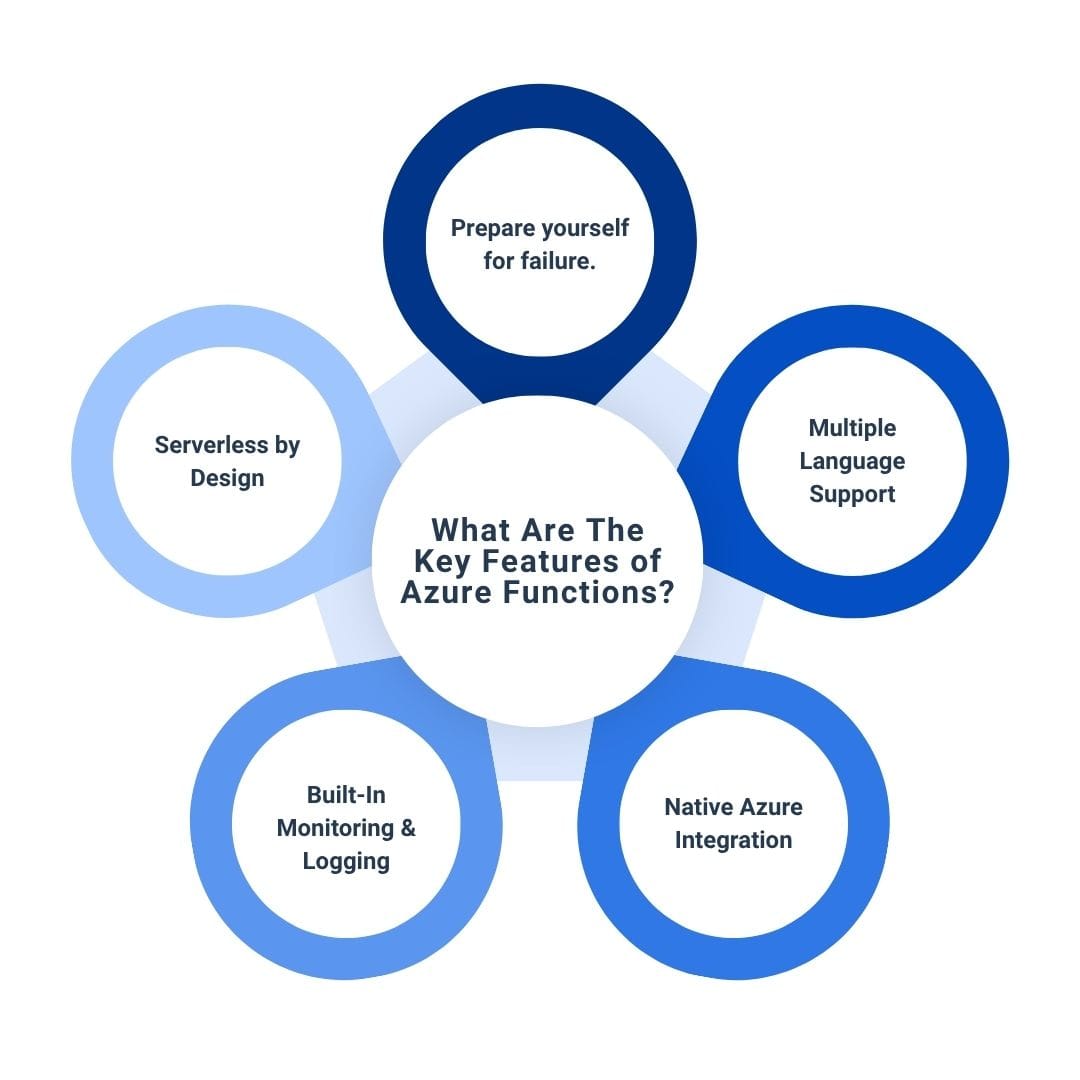
Event-Driven Programming
Azure Functions are designed to respond to a wide range of triggers, including:
- HTTP requests
- Scheduled timers
- Queue messages
- Blob/file uploads
- Database changes
This makes them suitable for numerous asynchronous and background processing tasks.
Multiple Language Support
Developers can choose the language that best suits their needs:
- C#
- JavaScript/Node.js
- Python
- Java
- PowerShell
- TypeScript
Native Azure Integration
Functions can easily connect to other Azure services via input and output bindings, including:
- Azure Blob Storage
- Azure Cosmos DB
- Service Bus
- Event Hubs
- Microsoft Graph
- External REST APIs
Built-In Monitoring & Logging
Azure Functions are fully integrated with Azure Monitor. This provides real-time insights into metrics, execution logs, failures, and diagnostics, helping you maintain and troubleshoot your application efficiently.
Serverless by Design
Being serverless, Azure Functions eliminate the need for infrastructure management. They offer high availability and quick deployment cycles, and allow developers to focus purely on writing business logic.
Popular Use Cases for Azure Functions in Modern Applications
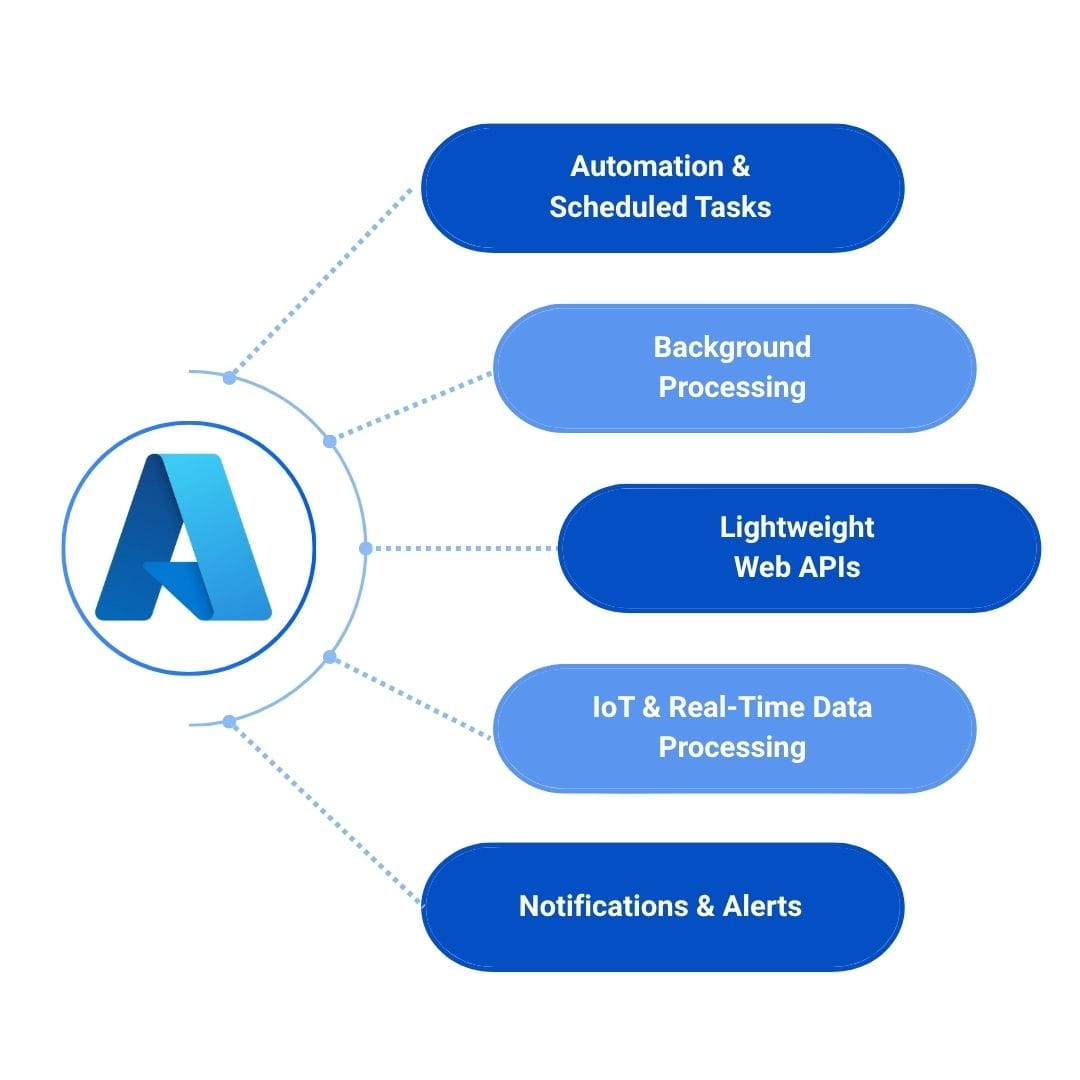
Automation & Scheduled Tasks
Azure Functions are excellent for recurring tasks such as:
- Data synchronization
- Scheduled backups
- Daily report generation
- Sending automated emails
Background Processing
They are suitable for handling background operations like:
- Image or file processing
- Data transformation
- Sending emails
- Complex backend calculations
Lightweight Web APIs
Develop RESTful APIs quickly and efficiently with Azure Functions. These APIs can be scaled easily and placed behind services like Azure API Management.
IoT & Real-Time Data Processing
Process real-time telemetry and events from IoT devices using Azure Functions. They work seamlessly with Azure IoT Hub and Event Hubs.
Notifications & Alerts
Trigger SMS, email, or push notifications in response to specific events such as new data entries or error logs.
Getting Started: Creating Your First Azure Function
1. Log in to Azure Portal: Start by signing into your Azure account.
2. Create a Function App: Choose your resource group, region, and storage account.
3. Choose Runtime Stack: Select from .NET, Node.js, Python, etc.
4. Set Hosting Options: Configure plan (consumption or premium) and monitor.
5. Create a Function: Choose a trigger (HTTP, Timer, Queue, etc.).
6. Write Your Code: Use the built-in editor or develop locally and deploy.
7. Deploy: Use CI/CD tools like GitHub Actions or Azure DevOps for seamless deployment.
Real-World Example: Order Confirmation Email
Imagine an e-commerce platform needing to send confirmation emails after orders. Instead of building this into the core application:
- Create a function dedicated to email processing.
- Trigger it through a message queue or Cosmos DB change.
- Pull order data and send a confirmation email.
This not only improves performance but also separates concerns and makes the application more scalable.
Use Case
Azure Functions in Event Management
In today’s event technology landscape, managing multi-venue conferences, exhibitions, and live events requires seamless coordination, real-time updates, and automated workflows. Azure Functions provide a scalable and efficient solution to these challenges. HTTP-triggered functions deliver fast and secure APIs for managing venue, room, and event data, ensuring web and mobile applications perform flawlessly. Timer-triggered functions automate background processes like daily data synchronization, backups, and report generation, keeping operations smooth without impacting user experience. Event Grid triggers enable real-time notifications for equipment requests, session updates, or client alerts, keeping staff and attendees informed instantly. Orchestration functions handle complex, multi-step workflows such as room setup, equipment deployment, and staff coordination, running asynchronously to maintain operational efficiency. Meanwhile, Cosmos DB and SQL triggers support reactive updates, automatically synchronizing data across systems and triggering necessary actions when changes occur. Together, these Azure Functions empower event management platforms to provide real-time, automated, and reliable operations, enhancing attendee experiences, optimizing staff workflows, and ensuring every event runs flawlessly.
Conclusion
Azure Functions simplify the development of scalable, event-driven applications by handling the underlying infrastructure. With broad language support, deep Azure integration, and seamless scalability, developers can focus on building intelligent, responsive applications. Whether it’s automation, APIs, IoT, or microservices, Azure Functions offer a flexible and cost-effective path to serverless computing.
Start exploring Azure Functions today and harness the full power of serverless development!
Stay ahead of the curve
Get the latest insights, tutorials, and industry news delivered straight to your
inbox. Join 10,000+ developers and tech leaders.